Why Strap Cutters Leave Wavy Edges on Chrome-Tanned Leather
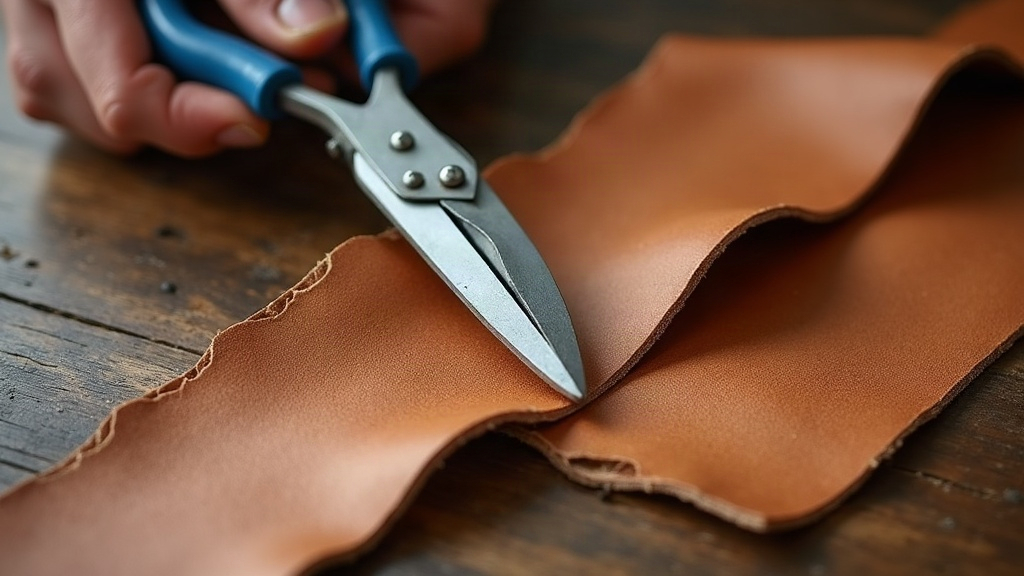
If your strap cutter keeps leaving you with wavy, uneven edges instead of clean straight strips, the culprit is almost never the blade. It’s the leather itself. Soft chrome-tanned hides stretch and compress under pressure in a way that vegetable-tanned leather simply doesn’t. Your blade isn’t dull or cheap, it’s fighting a material that won’t sit still while you cut it. Here’s what’s actually going on, and how to fix it for good.
Why Chrome-Tanned Leather Behaves Differently
Chrome-tanned leather earns its reputation for softness, flexibility, and stretch. Those are exactly the traits that make it perfect for garments, bags, and soft goods, and exactly the traits that make it a nightmare for a stationary blade. Vegetable-tanned leather is dense and firm, with fibers packed tightly together, so a strap cutter’s fixed blade glides through it without much resistance change. Chrome-tanned hides are a different animal. They have:
- Looser fiber structure that compresses before it actually cuts
- Higher elasticity, so the leather stretches slightly ahead of the blade, then snaps back once it’s through
- Variable thickness across the hide, especially near the belly or shoulder
- A spongier feel that lets the blade “ride” the surface instead of slicing clean through it
Put all that together and you get a blade that isn’t moving in one continuous slice. It’s catching, releasing, catching again. That stop-start rhythm is what shows up as a wavy edge.
The Main Causes of Wavy Edges
1. Leather Stretching Ahead of the Blade
Pull the strap cutter, and the soft leather bunches up slightly in front of the blade before it finally gives way. That push-pull motion repeats over and over, and it’s literally what you see as small waves running along your cut edge.
2. Inconsistent Pulling Speed
Too fast, and the blade skips across soft spots. Too slow, and the leather has more time to stretch and recoil before the cut finishes. Either mistake does the same thing: it turns speed inconsistency into edge inconsistency. There’s no shortcut here, you need one steady pace.
3. Blade Angle and Sharpness
Set the blade angle too steep and it digs in, dragging through soft leather instead of slicing it. Even a slightly dull blade stops slicing and starts tearing, on a microscopic level, sure, but chrome-tanned fibers are flexible enough that they tear unevenly rather than part cleanly.
4. Not Enough Table Friction or Backing
Leather that isn’t held flat and taut against your cutting surface will flex both vertically and horizontally as you pull. That double movement amplifies every wave instead of smoothing it out.
5. Hide Thickness Variation
Here’s something a lot of people don’t realize: even within a single strap, chrome-tanned leather can swing by 0.2 to 0.4mm in thickness. Your cutter’s gauge is fixed, it doesn’t know the difference, so the thicker spots push back harder and leave micro-waves behind.
How to Get Clean, Straight Cuts
- Dampen the leather slightly (case it) before cutting. This firms the fibers up temporarily and cuts down on stretch.
- Use a sharper, lower-angle blade. A 20 to 25 degree bevel glides through the leather instead of dragging across it.
- Cut in one continuous, steady pull. Stopping mid-strip gives the leather a chance to relax and shift, which is exactly what you don’t want.
- Back the leather with a smooth, hard surface like acrylic or a glass cutting mat, not a soft mat that gives under pressure.
- Pre-stretch the hide by hand in the direction of the cut before you ever run the strap cutter through it.
- Check your clamp pressure. Too loose and the leather wanders around; too tight and it compresses unevenly before the blade even touches it.
- Cut with the grain, not against it. Chrome-tanned leather stretches more across the grain, so cutting perpendicular to it is basically asking for waviness.
When to Switch Tools
If you’re working with soft chrome-tanned leather on a regular basis (garment-weight hides, bag lining material, that sort of thing), a standard adjustable strap cutter might just never give you perfectly straight results, no matter how carefully you set it up. At that point it’s worth considering other options:
- A rotary cutter with a straightedge guide, which gives you more control over soft material
- A clicker press with a strap die, better suited for production runs
- A razor blade and steel ruler, ideal for one-off precision cuts on delicate pieces
Conclusion
Wavy edges aren’t a flaw in your strap cutter. They’re the leather telling you it’s stretching, compressing, and varying in thickness in ways firm vegetable-tanned hide never would, and a fixed-blade cutter just magnifies every one of those quirks. Case the leather, drop your blade to a lower angle, pull in one steady motion, and back the material properly, and you’ll see the waviness drop off fast. And if soft leather is most of what you work with, it might just be time to bring in a different tool altogether.